The Limitations and Realities of Using an eGPU
Before upgrading your laptop, consider the performance bottlenecks and costs associated with external graphics solutions.
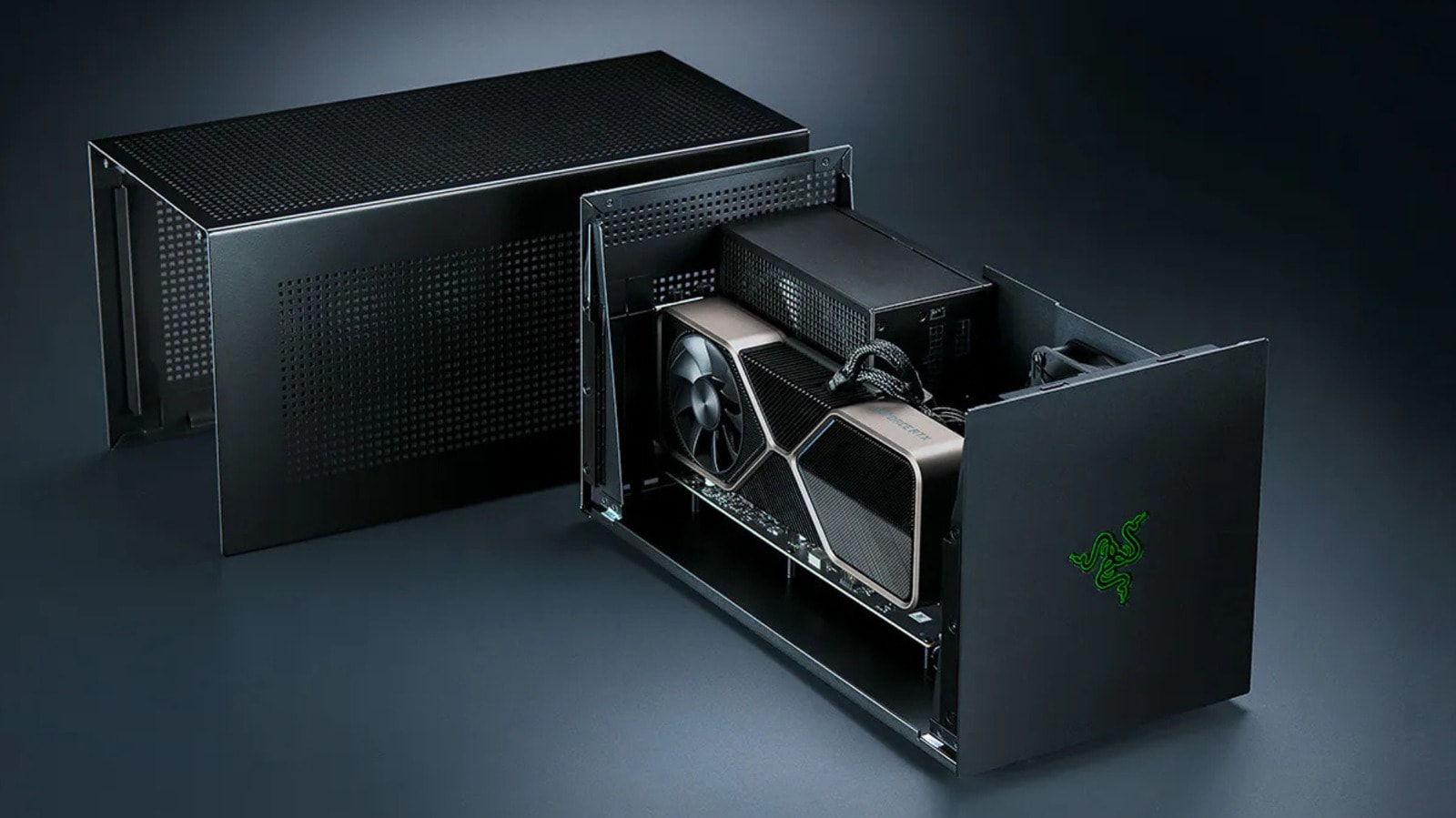
External GPUs: Expectations vs. Reality
Many users looking to transform their laptop into a high-performance gaming or workstation rig often consider an external GPU (eGPU). According to an analysis by Engadget, while the technology is functional, it is frequently not the most practical solution for the average user.
The primary issue lies in connection bandwidth. Despite the high speeds of modern ports, an external graphics card can never match the efficiency of a GPU integrated directly onto the motherboard or installed into a dedicated PCIe slot. Data transfer bottlenecks significantly reduce the real-world performance of the card, particularly during high-intensity graphical tasks.
Is it Worth the Investment?
Engadget recommends carefully weighing the cost against the expected performance before purchasing an eGPU. In many cases, the combined price of the eGPU enclosure and the graphics card itself is high enough that it might be more cost-effective to invest in a dedicated gaming PC.
Furthermore, eGPU systems require specific compatibility with laptop ports, which is not always guaranteed. Some models on the market require specific drivers and software, which frequently lead to system conflicts.
For users looking to expand their laptop’s capabilities, it is important to note that using an eGPU is more of an experimental approach than a reliable long-term solution. If your goal is stable gaming or professional video editing, it is better to opt for a specialized desktop system or a laptop that comes equipped with a sufficiently powerful graphics chip from the start.